Optimize Campaign Management with AI


Get AI insights and recommendations to improve performance, reduce wasted spend, and make faster, smarter decisions.

Your AI Copilot for Campaign Optimization

Maximize campaign performance with AI-powered insights. Identify opportunities, reduce wasted spend, and make smarter decisions that drive real results.

Document search icon

Our Features

Optimize Campaigns with Smart Recommendations

Optimize Campaign
Performance

Run optimized campaigns with less effort—so you can focus on strategy, not setup.

Blue star icon

Data-Driven Recommendations

Blue star symbol used for highlights

Targeting Precision

Blue star symbol

Strategic Bid & Budget Allocation

Star shape icon

Maximized Success Replication

Simplify Campaign
Management

Simplify campaign management and reduce manual effort with AI-powered insights.

Blue four-point star

Instant Portfolio Visibility

Star shape icon

Minimize manual mistakes

Blue star symbol used for featured sections

Streamlined Daily Operations

Star shape icon

Adjust budgets and bids dynamically

Circular menu icon with three horizontal lines

How It Works

Get More Done
Without Doing More

Number one inside a circle icon

Analyze Campaign Performance

Number two inside a circle icon

Review AI Recommendations

Circled number 3 icon

Apply Optimizations with a click

Pie chart icon with a small highlighted segment

Our Numbers

What You Can Expect

35%

Faster Campaign
Optimization

40%

Less Wasted
Ad Spend

25%

Higher Conversion
Rates

Your Benefits

Target icon with an arrow hitting the center

Maximize Efficiency & ROI

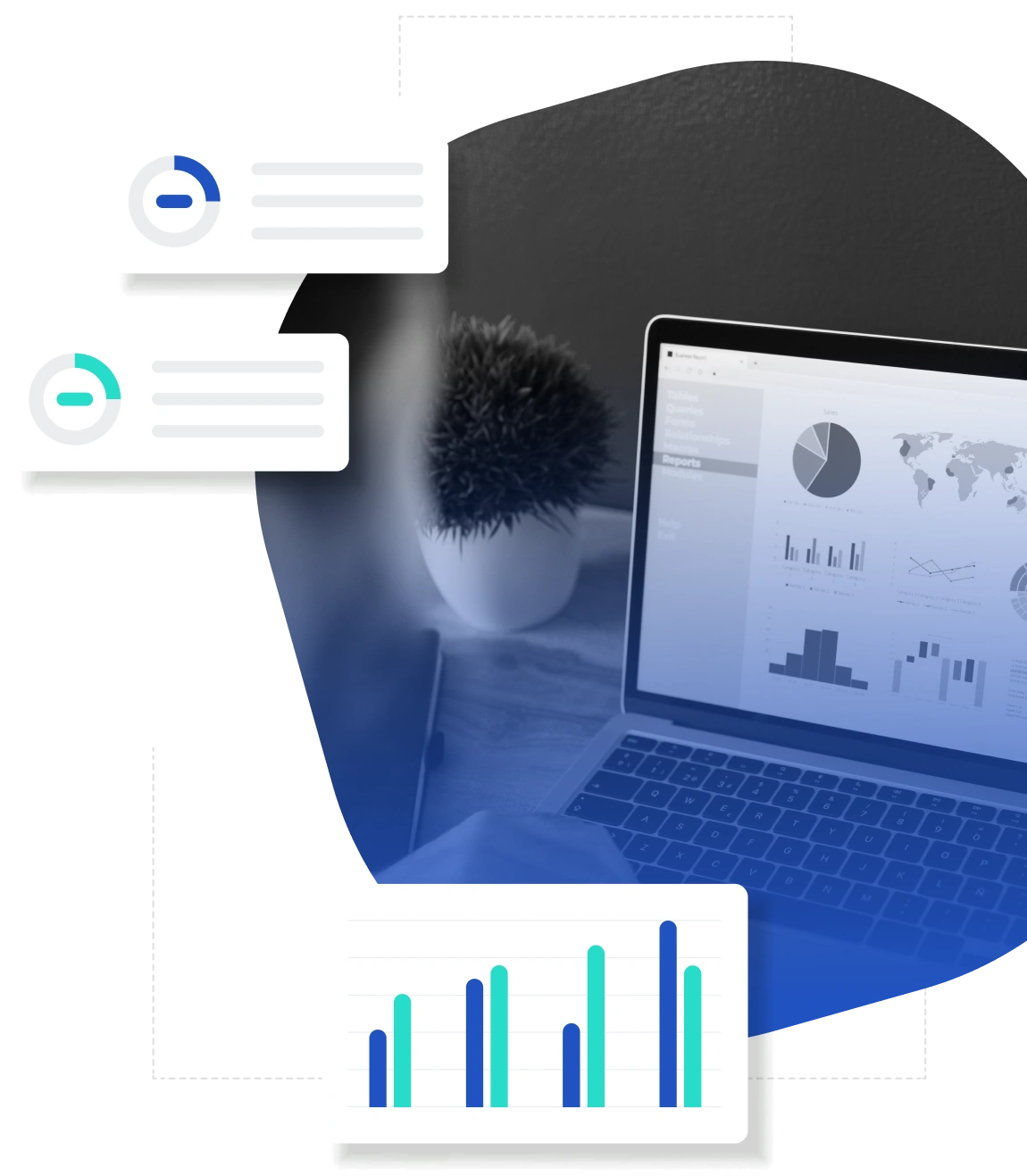
Analytics dashboard on a laptop with charts and graphs, surrounded by floating data visualization elements

Reduce manual analysis by leveraging AI recommendations for faster decisions.

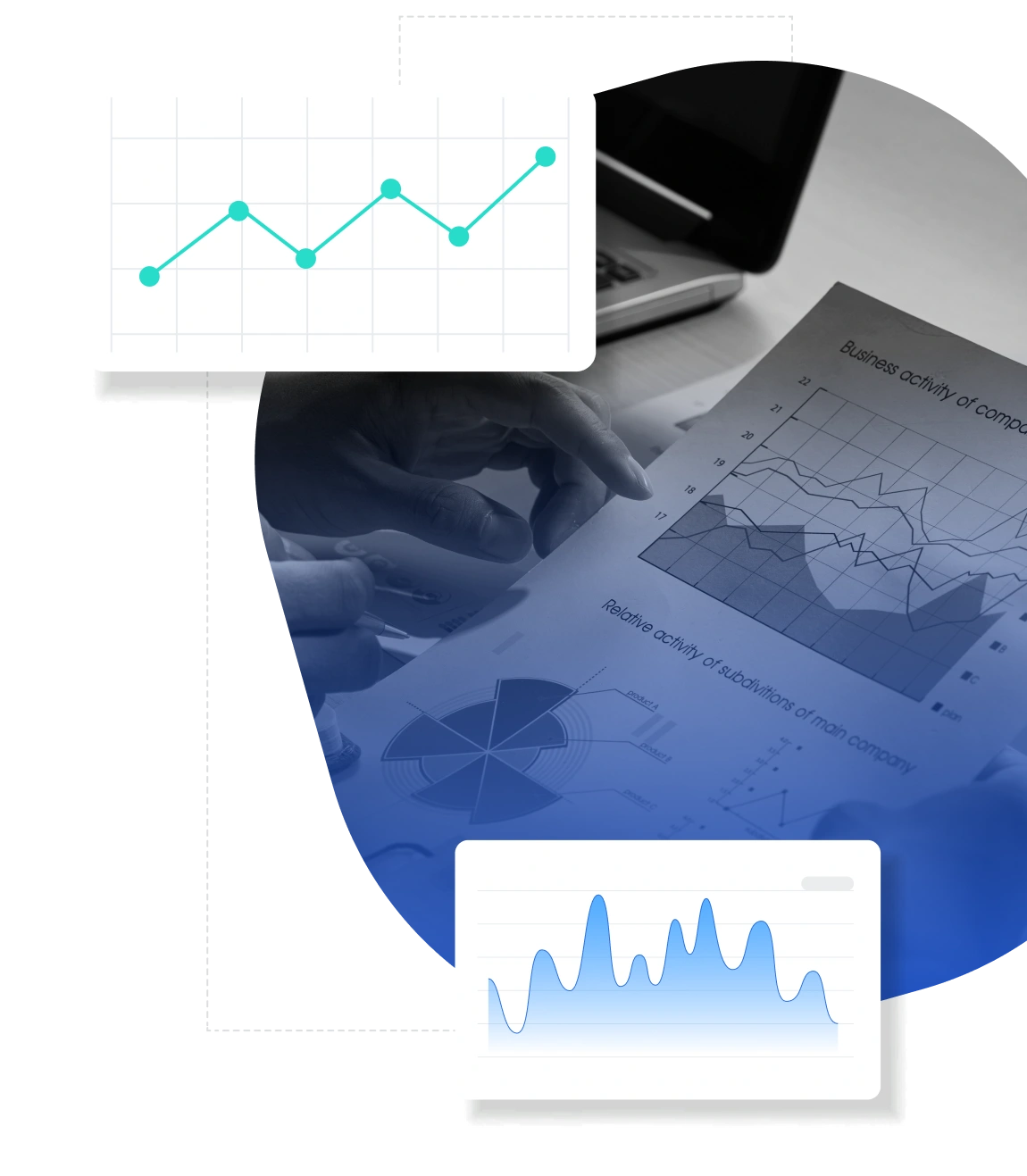
Person reviewing printed business analytics charts alongside digital line and area graphs

Adjusts bids, budgets, and targeting to boost performance and ROI.

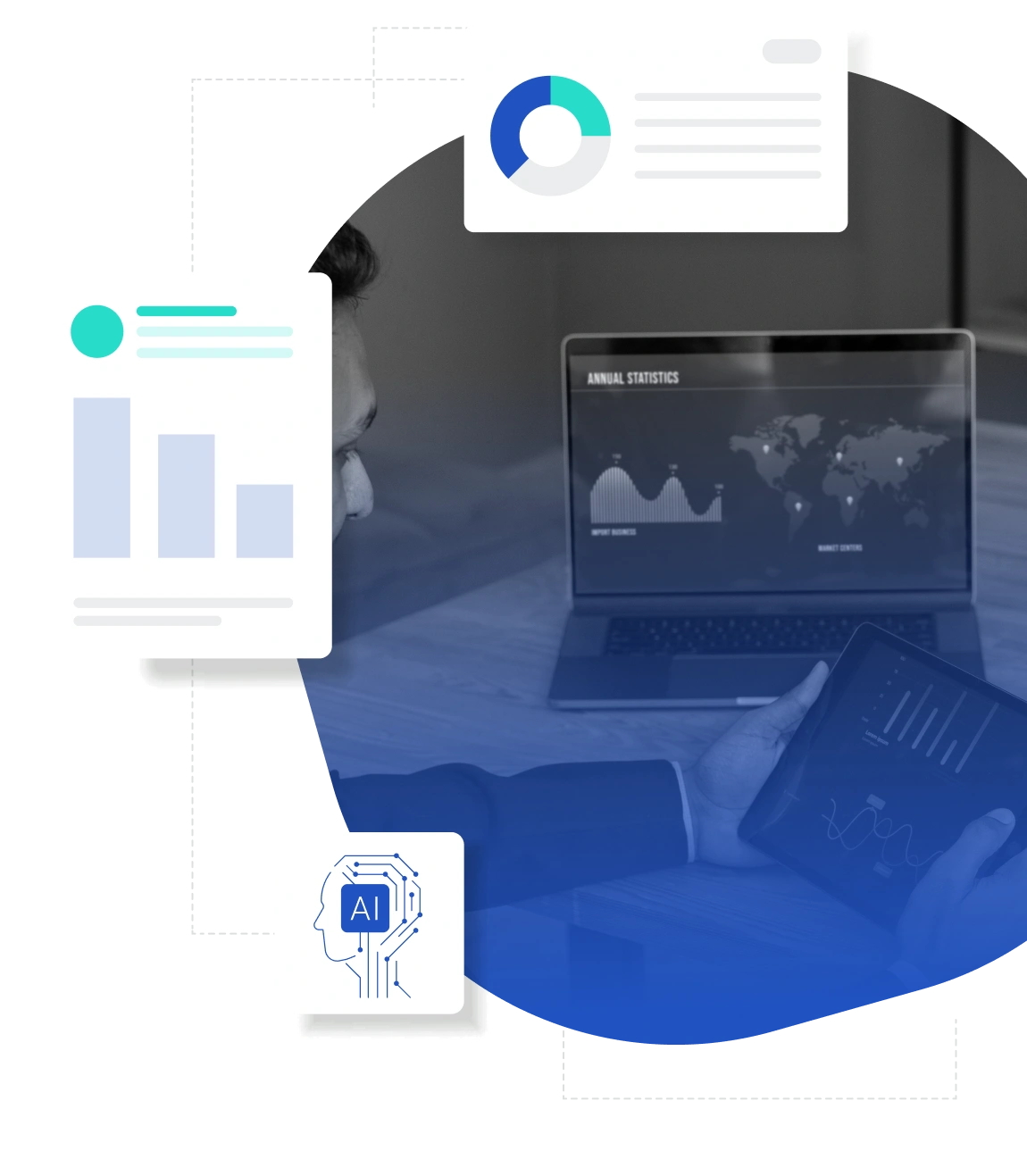
Business professional reviewing analytics on a laptop and tablet with AI and data visualization graphics

Utilize real-time data analysis to make informed adjustments, keeping campaigns performing at their best.

Customer support agent using a headset while assisting users on a laptop, with icons representing 24/7 service and help tools

Identify and pause underperforming ads and placements.

Support agent wearing a headset working on a laptop with icons for user assistance, 24/7 service, and troubleshooting tools

Reallocated budgets dynamically based on performance metrics.

Laptop displaying analytics dashboard with charts and graphs, surrounded by floating data visualization elements